Reforge has joined Miro ↗
You're exploring a new feature and you have a rough idea of what it should do. But you're not sure about the interface. Should it be a modal or a side panel? A dashboard view or a timeline? Card-based or list-based?
Most AI prototyping tools just say yes to whatever you prompt. You describe an idea, they build it, and then you iterate by rebuilding if it's wrong. You move faster than traditional workflows, but you're still guessing at the best direction. Engineering can now build 10x more. Your product team can still only properly vet the same number of ideas.
That's why we’ve created Reforge Build as a product thinking partner, not just a tool that executes your ideas. Build is part of our product discovery suite designed to help you find and understand problems, explore solutions and validate with customers. We help you explore your options before you commit. And today, we're excited to announce Variations, a new feature that makes this even easier.
Here's the prompt from the video if you want to try it yourself. And here's the prototype we created if you want to iterate on it.
Variations lets you see multiple design approaches for the same problem before you build a full prototype. Toggle it on, describe what you're trying to solve, and Build shows you different interface directions with explanations of each. You can review them, discuss tradeoffs, and choose the direction that makes the most sense. Then Build creates the full interactive prototype.
How product teams actually explore design
You're working on a feature to help users track their project progress. You know what problem you're solving. You know it needs to work on mobile. You know it should take less than 30 seconds to understand status.
But you're not sure about the interface. There are multiple ways to solve this. A timeline view would show chronological progress clearly. A kanban board would emphasize current status and blockers. A dashboard with metrics could surface the most important information at a glance. Each approach has different tradeoffs.
In traditional workflows, you pick one direction and build it. If it doesn't work well, you start over. In AI prototyping workflows without Variations, you prompt for one thing and rebuild if it's not quite right. You move faster, but you're still iterating by rebuilding.
What you really need is a way to see your options before you commit. That's what Variations does. It makes each direction look and feel real, so you can make better decisions about how to best serve your users.
How Variations works
Open a new chat in Reforge Build and toggle Variations on. Enter your prompt describing the problem you're solving, the constraints that matter, and what success looks like. Variations pulls from your company context and design systems automatically.
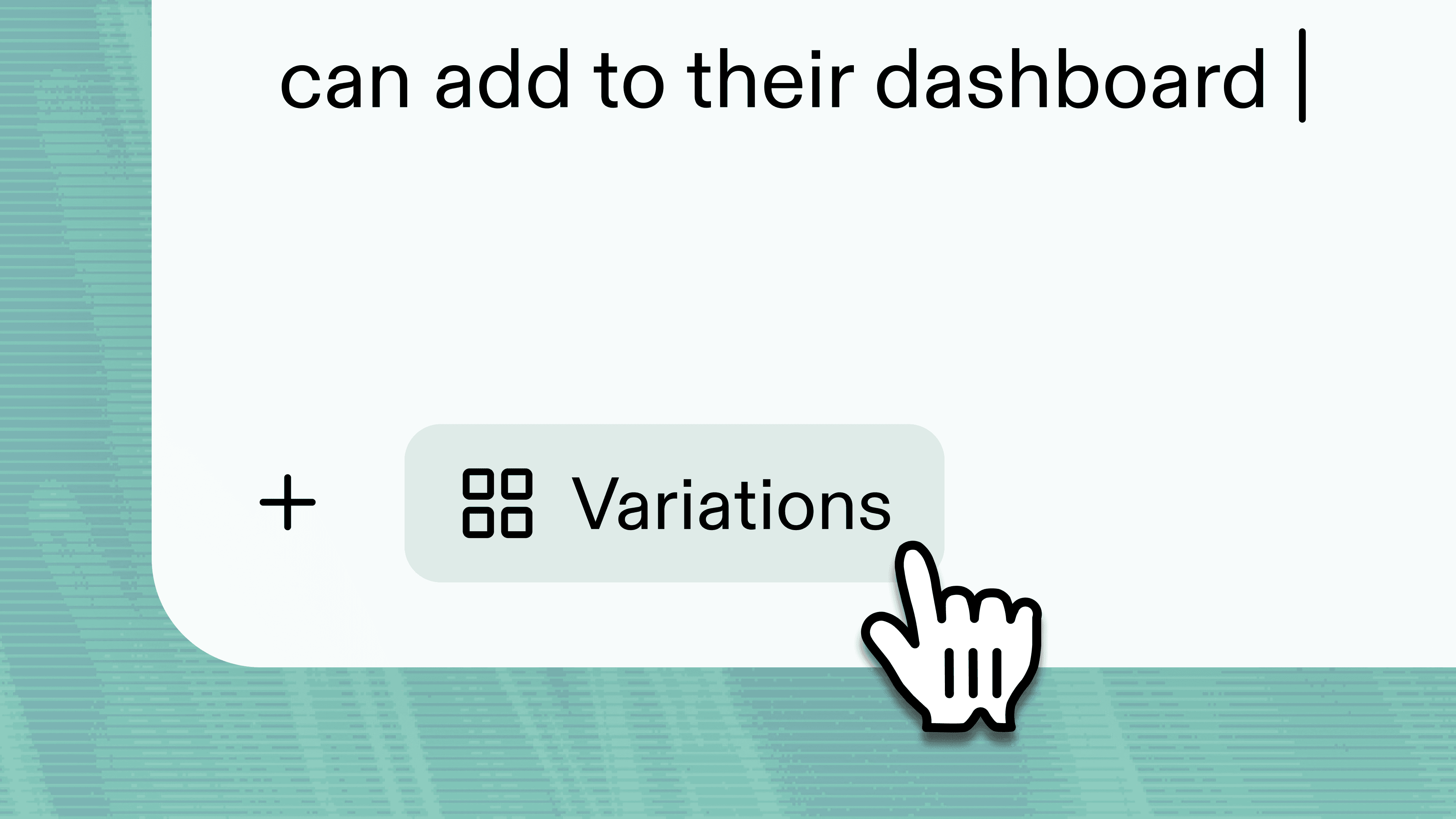
You can choose between two modes. Quick Mode gets you to visual mockups faster, showing you different design directions right away. Plan Mode goes deeper in exploration, asking clarifying questions about your constraints and helping you think through tradeoffs before generating anything.
Build creates visual mockups of different design approaches. Each one comes with an explanation of the core idea, how it works, and what tradeoffs it makes. You might see a modal-based approach that keeps users in their current context, a dedicated page that gives more room for complex interactions, a sidebar that allows comparison with existing content, and a notification-based approach that surfaces information proactively.
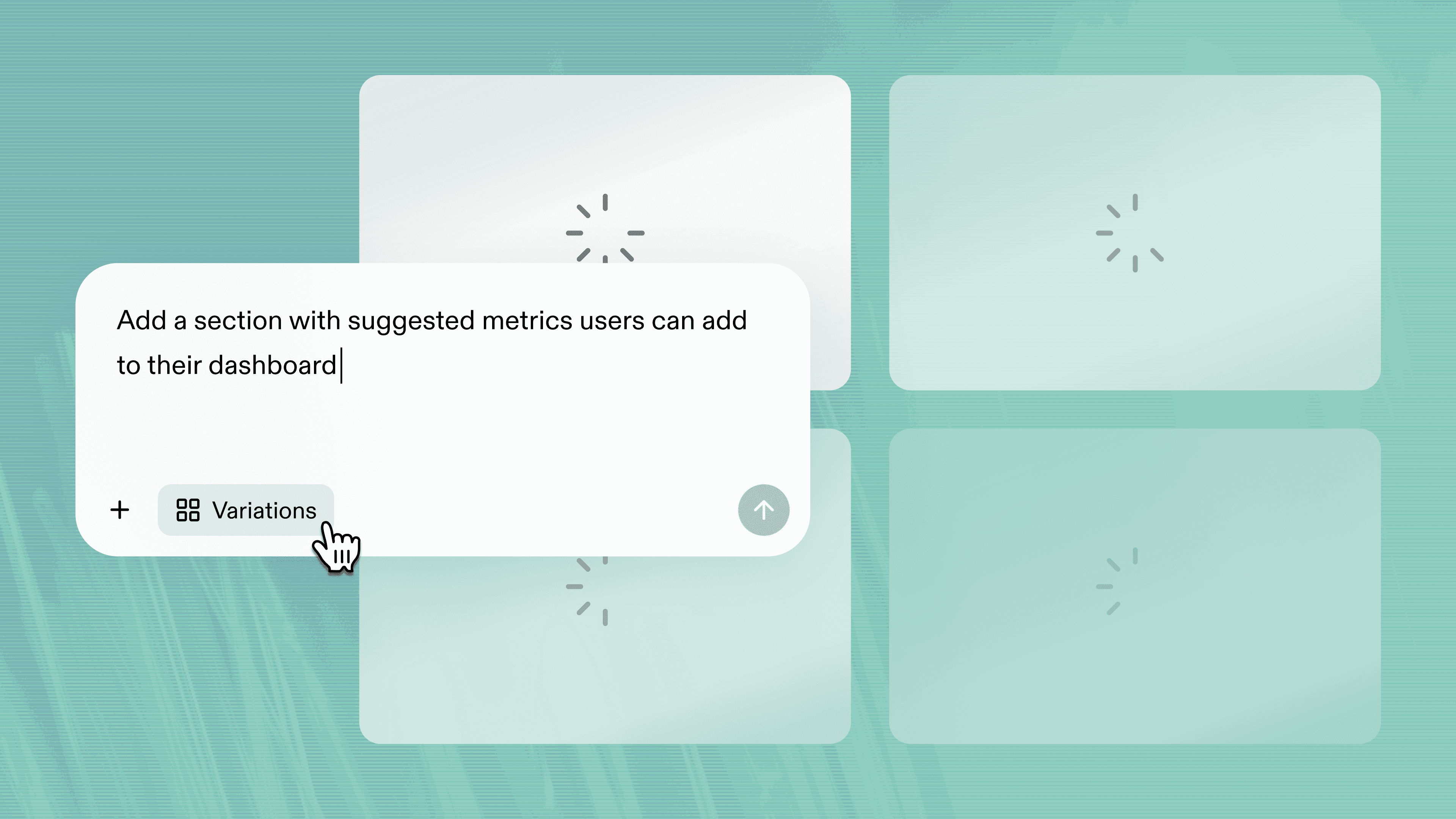
These aren't full prototypes yet. They're design directions shown as simple HTML and CSS mockups. The goal at this stage is explore directions that will soon become prototypes. You can review them, ask Build to explain the thinking behind each one, or request variations on specific approaches. When you've identified the direction that solves your problem best, select it and Build creates the full interactive prototype. If you like three or four directions, kick off multiple prototypes. At this stage, your company context and design system will kick in, and you’ll have prototypes that look and feel like your real product.
This changes how you approach interface design. Instead of building and hoping you picked the right direction, you explore first. You see multiple options. You think through tradeoffs. Then you build the one that makes the most sense.
Why this matters for product teams
Most AI tools are built to be helpful by saying yes to everything. You prompt something, they build it. It feels magical and productive, but it shortcuts the thinking that leads to better solutions and happier customers.
Reforge Build doesn't just execute your ideas. It helps you think through them. Variations encourages deep exploration. We want to help you move fast, but more importantly, we want you to ship better features.
This connects to a broader truth about AI prototyping. The real value isn't speed. Speed just gives you capacity to explore more ideas before you commit. When you can see five different interface approaches in the time it used to take to sketch one on a whiteboard, you find better solutions.
Variations makes this exploration pattern explicit. It prevents you from jumping straight to building without thinking. It forces you to consider alternatives. It helps you articulate why one direction is better than another before you invest time building it out.
Try Reforge Build
Reforge Build is built for product teams working on existing products. The ones who need to think through interface options, not just execute on the first idea that comes to mind. The ones who want a product thinking partner that helps them explore before they commit.
Variations is available now in Reforge Build, along with features like Capture Flows for grabbing multi-step flows from your product, Capture Library for reusing your existing patterns, and Plan Mode for deeper exploration of complex problems.
Variations is available now in Reforge Build. Along with Reforge Insights (to help you understand problems) and Reforge Research (to help you validate solutions with customers), we're building the product discovery suite that helps teams explore and vet ideas at the speed engineering can now build them.
Your next prototype starts with better thinking. Try Reforge Build and see how Variations changes your approach to interface design.


That's why we’ve created Reforge Build as a product thinking partner, not just a tool that executes your ideas. Build is part of our product discovery suite designed to help you find and understand problems, explore solutions and validate with customers. We help you explore your options before you commit. And today, we're excited to announce Variations, a new feature that makes this even easier.
Here's the prompt from the video if you want to try it yourself. And here's the prototype we created if you want to iterate on it.
Variations lets you see multiple design approaches for the same problem before you build a full prototype. Toggle it on, describe what you're trying to solve, and Build shows you different interface directions with explanations of each. You can review them, discuss tradeoffs, and choose the direction that makes the most sense. Then Build creates the full interactive prototype.
How product teams actually explore design
You're working on a feature to help users track their project progress. You know what problem you're solving. You know it needs to work on mobile. You know it should take less than 30 seconds to understand status.
But you're not sure about the interface. There are multiple ways to solve this. A timeline view would show chronological progress clearly. A kanban board would emphasize current status and blockers. A dashboard with metrics could surface the most important information at a glance. Each approach has different tradeoffs.
In traditional workflows, you pick one direction and build it. If it doesn't work well, you start over. In AI prototyping workflows without Variations, you prompt for one thing and rebuild if it's not quite right. You move faster, but you're still iterating by rebuilding.
What you really need is a way to see your options before you commit. That's what Variations does. It makes each direction look and feel real, so you can make better decisions about how to best serve your users.
How Variations works
Open a new chat in Reforge Build and toggle Variations on. Enter your prompt describing the problem you're solving, the constraints that matter, and what success looks like. Variations pulls from your company context and design systems automatically.
You can choose between two modes. Quick Mode gets you to visual mockups faster, showing you different design directions right away. Plan Mode goes deeper in exploration, asking clarifying questions about your constraints and helping you think through tradeoffs before generating anything.
Build creates visual mockups of different design approaches. Each one comes with an explanation of the core idea, how it works, and what tradeoffs it makes. You might see a modal-based approach that keeps users in their current context, a dedicated page that gives more room for complex interactions, a sidebar that allows comparison with existing content, and a notification-based approach that surfaces information proactively.
These aren't full prototypes yet. They're design directions shown as simple HTML and CSS mockups. The goal at this stage is explore directions that will soon become prototypes. You can review them, ask Build to explain the thinking behind each one, or request variations on specific approaches. When you've identified the direction that solves your problem best, select it and Build creates the full interactive prototype. If you like three or four directions, kick off multiple prototypes. At this stage, your company context and design system will kick in, and you’ll have prototypes that look and feel like your real product.
This changes how you approach interface design. Instead of building and hoping you picked the right direction, you explore first. You see multiple options. You think through tradeoffs. Then you build the one that makes the most sense.
Why this matters for product teams
Most AI tools are built to be helpful by saying yes to everything. You prompt something, they build it. It feels magical and productive, but it shortcuts the thinking that leads to better solutions and happier customers.
Reforge Build doesn't just execute your ideas. It helps you think through them. Variations encourages deep exploration. We want to help you move fast, but more importantly, we want you to ship better features.
This connects to a broader truth about AI prototyping. The real value isn't speed. Speed just gives you capacity to explore more ideas before you commit. When you can see five different interface approaches in the time it used to take to sketch one on a whiteboard, you find better solutions.
Variations makes this exploration pattern explicit. It prevents you from jumping straight to building without thinking. It forces you to consider alternatives. It helps you articulate why one direction is better than another before you invest time building it out.
Try Reforge Build
Reforge Build is built for product teams working on existing products. The ones who need to think through interface options, not just execute on the first idea that comes to mind. The ones who want a product thinking partner that helps them explore before they commit.
Variations is available now in Reforge Build, along with features like Capture Flows for grabbing multi-step flows from your product, Capture Library for reusing your existing patterns, and Plan Mode for deeper exploration of complex problems.
Variations is available now in Reforge Build. Along with Reforge Insights (to help you understand problems) and Reforge Research (to help you validate solutions with customers), we're building the product discovery suite that helps teams explore and vet ideas at the speed engineering can now build them.
Your next prototype starts with better thinking. Try Reforge Build and see how Variations changes your approach to interface design.